Extension, Not Replacement: Why Microsoft 365 Modernisation Fails When You Fight the Platform
I keep seeing the same pattern. A firm decides to modernise its Microsoft 365 environment. A vendor pitches a comprehensive platform overhaul. The proposal looks impressive. The implementation drags on for months. And when it finally goes live, adoption stalls at 14%.


I keep seeing the same pattern. A firm decides to modernise its Microsoft 365 environment. A vendor pitches a comprehensive platform overhaul. The proposal looks impressive. The implementation drags on for months. And when it finally goes live, adoption stalls at 14%.
The problem isn't the technology. It's the approach.
The Integration Overhead Nobody Mentions
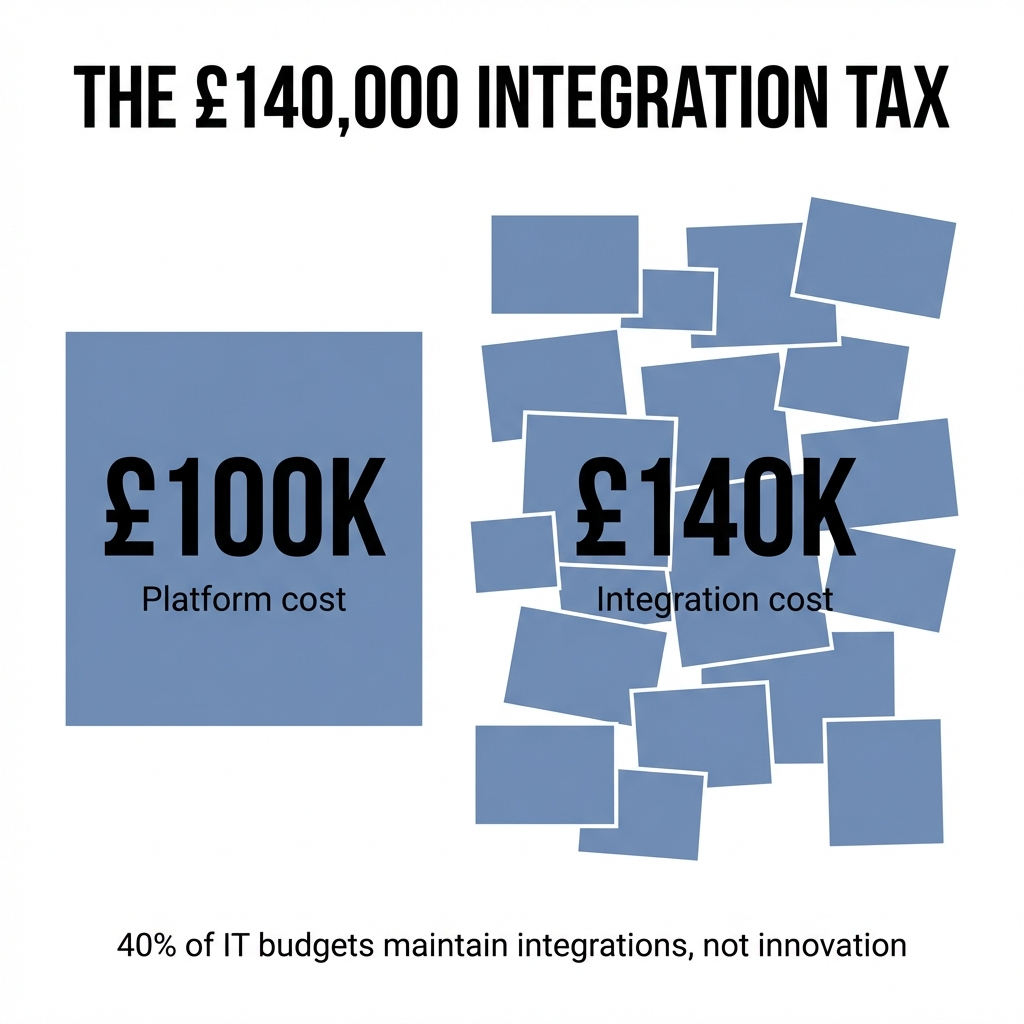
86% of enterprises require technology stack upgrades just to deploy AI agents. That's not a capability problem. That's a connectivity problem.
When you select a tool that demands architectural overhaul, you're not just buying software. You're buying integration overhead, workflow disruption, and behavioural resistance. The firms that succeed with cloud modernisation understand this. They ask a different question: does this tool extend what we have, or does it force us to rebuild around it?
The difference matters more than most vendors admit.
Deployment Isn't Adoption
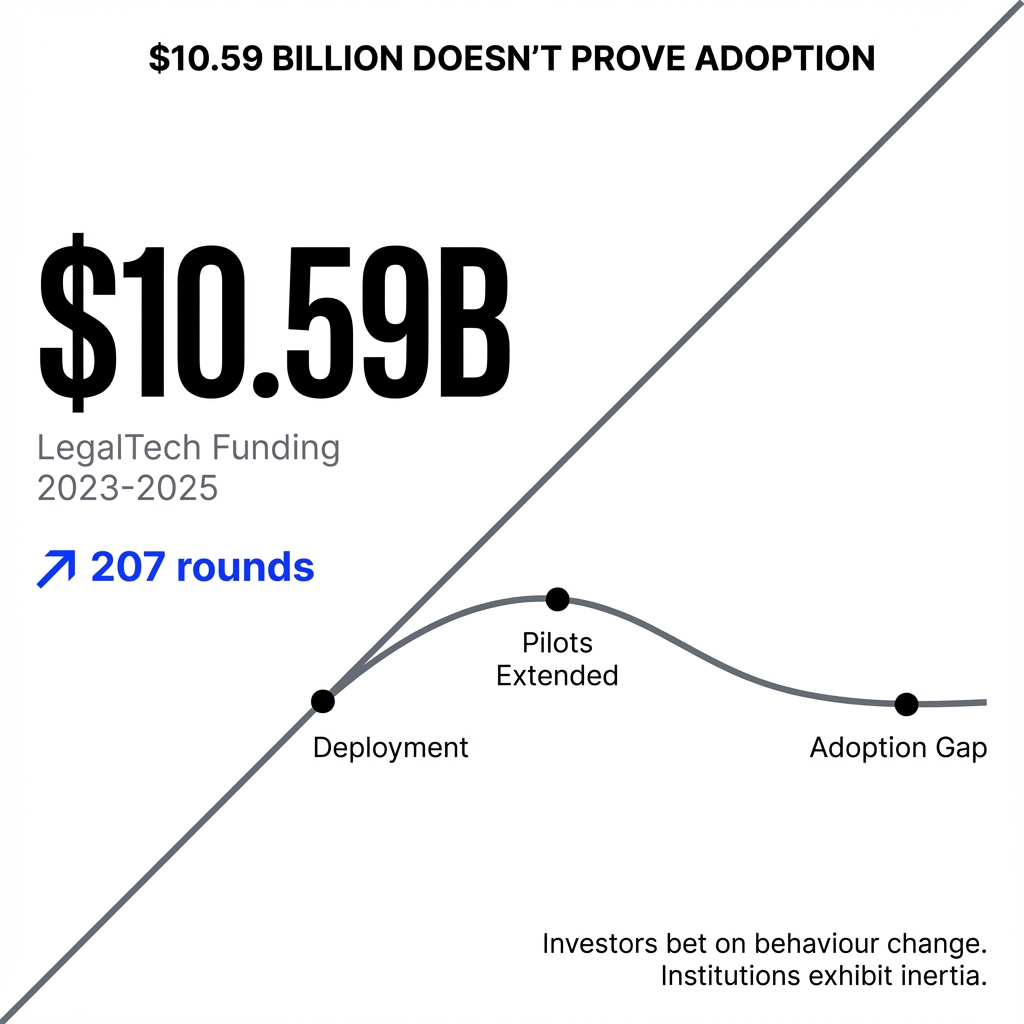
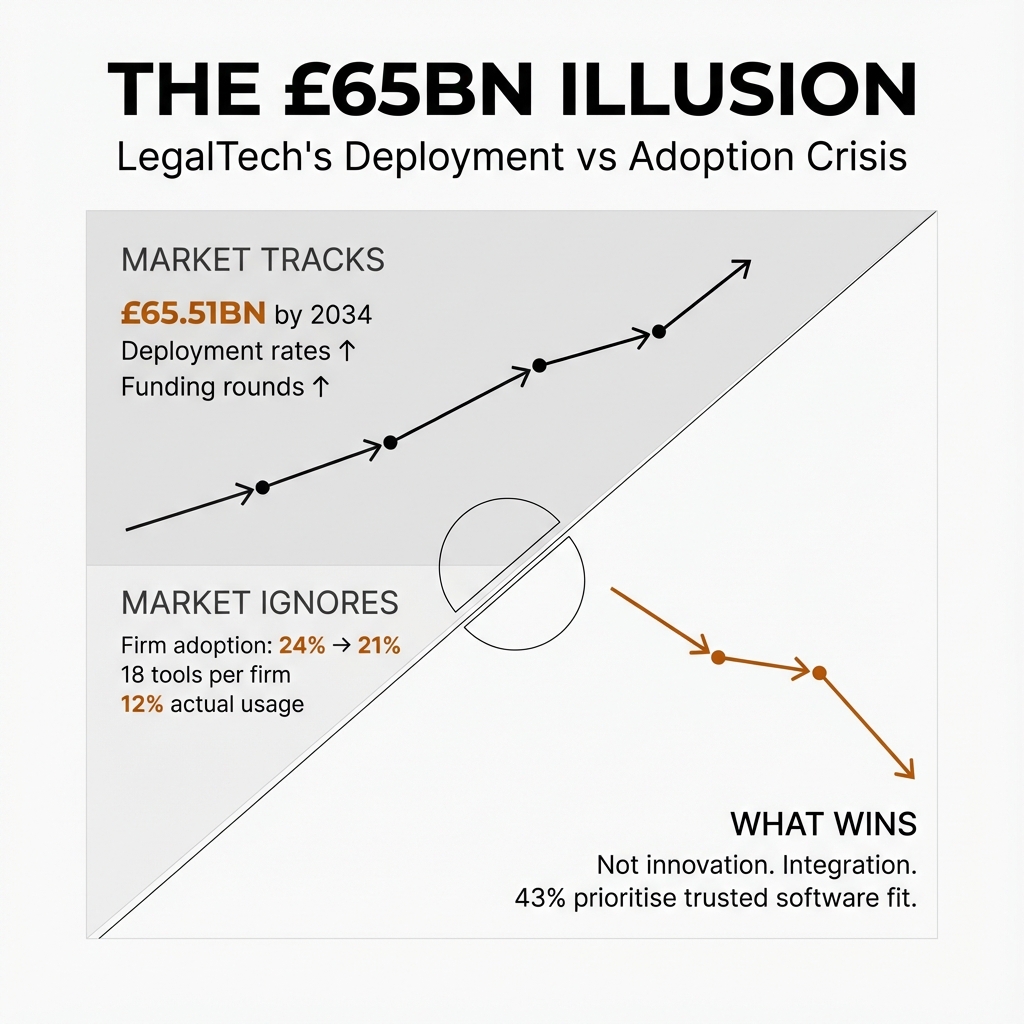
Gartner found that only 14% of organisations achieve digital adoption rates above 75%. Think about that. Most firms deploy technology that most employees never truly use.
The gap between implementation and adoption reveals something important. Organisations that invest in cultural readiness achieve AI implementation timelines 30% shorter than those focusing purely on technical deployment. The friction isn't technical. It's behavioural.
When you introduce a tool that demands employees abandon familiar workflows, you're not modernising. You're creating resistance. The technologies that embed successfully are the ones that slot into existing habits rather than compete with them.
Microsoft's Ecosystem Strategy Tells You Everything
Microsoft's architectural approach explicitly favours extension over replacement. Their Copilot ecosystem is designed so partner tools can integrate without forcing users to abandon the Microsoft 365 environment they already know.
This isn't accidental. Microsoft understands that 69% of employees report frustration with workplace technology. The frustration comes from context-switching, from tools that exist in silos, from technologies that break momentum rather than enhance it.
When you select partner technologies designed for integration rather than replacement, you reduce friction. You preserve the behavioural infrastructure your people already rely on. You modernise without forcing wholesale change.
What Actually Works
The firms succeeding with Microsoft 365 modernisation share a pattern. They target specific integration bottlenecks. They select tools that extend capability without demanding architectural overhaul. They measure success by sustained usage, not deployment completion.
Strategic modernisation that targets specific integration bottlenecks delivers measurable ROI. One organisation reduced data integration costs by 44% and improved service delivery efficiency by 35% through targeted replacement rather than wholesale platform overhaul.
That's the difference between integration overhead and integration leverage.
You can modernise your Microsoft 365 environment without fighting the platform. But it requires selecting partner technologies that understand the difference between extending what works and replacing it with something theoretically better.
The question isn't whether to modernise. It's whether you'll do it in a way that embeds or a way that disrupts.